Ancient timings
Who gets there first on Ancient: Mid Red vs Elbow, Donut swings, A Main, and Sniper’s Nest.
 Ancient
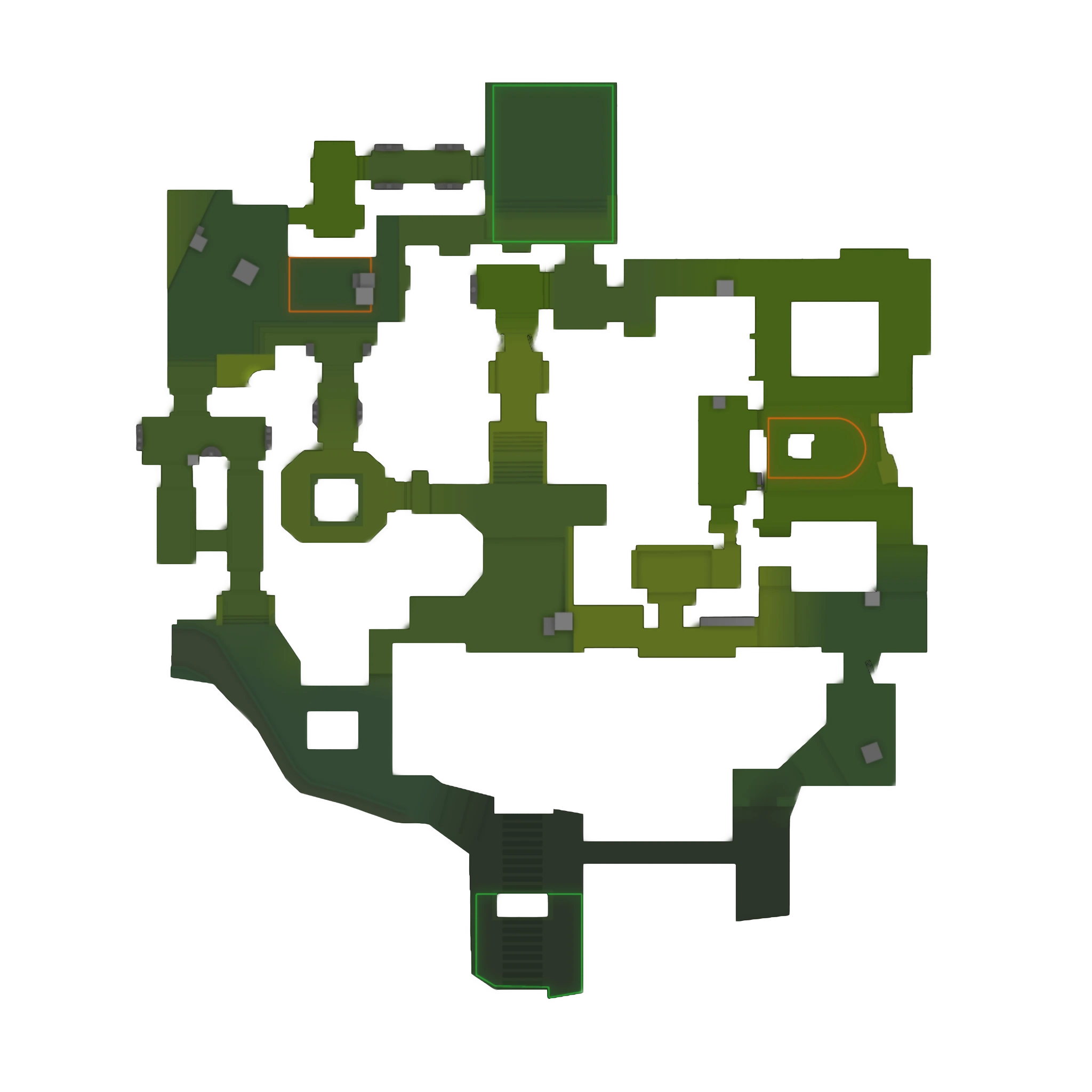
Ancient callout timings
Fastest spawn arrival time to each callout running with a knife.
| Callout | CT fastest | T fastest | Who’s first |
|---|---|---|---|
| A Main | 9.1s | 8.8s | T +0.3s |
| Mid | 7.3s | 6.8s | T +0.5s |
| Heaven | 11.4s | 10.8s | T +0.7s |
| Lamp Room | 11.8s | 12.7s | CT +1.0s |
| Pit | 8.0s | 10.3s | CT +2.3s |
| Ramp | 11.5s | 9.2s | T +2.3s |
| B Site | 8.4s | 11.6s | CT +3.2s |
| Donut | 7.6s | 10.9s | CT +3.3s |
| Dark | 11.0s | 14.3s | CT +3.3s |
| T Lower | 13.4s | 8.9s | T +4.5s |
| Top Mid | 6.3s | 11.0s | CT +4.7s |
| Cave | 9.1s | 14.3s | CT +5.1s |
Theoretical best case: shortest-path movement, no utility or body-blocking, no jiggle or counter-strafe, and no reaction time. Computed from de_ancient.vpk competitive 5v5 spawns (5 CT, 5 T) with 0.11s standstill acceleration, crouch speed in crawl spaces, and running-jump splits. Fastest spawn is picked per destination.
From theoretical timings to your real rounds
Review your own Ancient demos and real match timings in CSReview
The simulator above runs on the same map geometry and line-of-sight engine inside CSReview. Drop in any Premier or FACEIT demo to watch your POV synced frame for frame with real smokes, Map Control, and CT/T Intel fog of war.
Windows 10/11 · VAC-safe · 9 full 2D & 3D replays free · No account needed
How the timing simulator works
How accurate are these CS2 Ancient timings?
Every spawn point comes straight from Valve’s compiled de_ancient.vpk competitive 5v5 spawns (5 CT and 5 T). Routes run across the real walkable map geometry with crouch speed through vents and crawl spaces, running-jump splits, CS2’s 0.11s standstill acceleration, and exact weapon speeds (250 u/s knife, 225 u/s M4, 215 u/s AK-47, 200 u/s AWP).
What is the difference between Reach and First contacts?
Reach shows every place CT or T players can physically stand at that second of the round. First contacts test actual line of sight against de_ancient’s 3D map geometry (eye height to enemy head and chest) so you see the exact second two moving players can spot each other across a lane.
Can I test a specific spawn or weapon?
Yes. Use Setup in the sidebar to pick Fastest, Median, Slowest, or any individual spawn slot (#1 through #5 for CT and #1 through #5 for T) and weapon independently, or click any spawn dot directly on the radar.
How do I compare two custom spots or share a link?
Clicking the radar plays or pauses by default. Turn on Measure spot in the toolbar to click any position on the radar and trace fastest CT and T routes from spawn, then click Compare second spot to test line of sight between two positions. Hit Copy link in the top bar at any time to share the exact time, spawns, weapons, and spots.